Claude Code local model: run it through Ollama
Point Claude Code at a local model with Ollama: one launch command or three environment variables, a 64k context window, and the features that fall short.


Can Claude Code drive a model running on your own hardware? A Claude Code local model setup goes through Ollama, which connects Claude Code to local and cloud models through its Anthropic-compatible API, either with one launcher command or with three environment variables set manually. The catch is the model itself: it needs a generous context window plus tool calling, and several Claude Code features may not work at all.
What the setup needs:
- Ollama and Claude Code installed on the same machine, or Ollama on a machine you can reach.
- A model with room to read code. For local models Ollama says to set a 64k+ context window.
- Tool calling. Claude Code edits files and runs commands through tools, which work with compatible models only.
The one command route
Ollama ships a launcher that selects a model interactively and then starts Claude Code pointed at it:
ollama launch claudeScripts and CI jobs usually want no prompts, so they name the model upfront. The —yes flag skips selectors, pulls the model when needed, and requires —model. Everything after -- passes through untouched to Claude Code:
ollama launch claude --model qwen3.5 --yes -- -p "how does this repository work?"The manual route with three variables
Without the launcher, Claude Code locates Ollama through the same variables it reads for any Anthropic-format endpoint, which makes the manual route portable across shells and remote machines:
export ANTHROPIC_AUTH_TOKEN=ollamaexport ANTHROPIC_API_KEY=""export ANTHROPIC_BASE_URL=http://localhost:11434claude --model qwen3.5| Variable | Value | Why |
|---|---|---|
ANTHROPIC_AUTH_TOKEN | ollama | Ollama’s docs mark it required but ignored |
ANTHROPIC_API_KEY | empty | An empty key keeps a real Anthropic key out of the request |
ANTHROPIC_BASE_URL | the local Ollama server | Every request goes to Ollama instead of Anthropic |
If requests still reach Anthropic, a settings file is probably overriding your exports, because Claude settings can override shell variables. The fix is changing the base URL there instead, then running /status inside Claude Code to confirm which endpoint the session actually uses.
What works and what falls short
Ollama supports a subset of the Anthropic Messages API, so sessions start normally, but certain capabilities quietly degrade:
| Works | Not fully supported |
|---|---|
| Messages, streaming and system prompts | Tool-choice controls |
| Tools and tool results | Deferred tools |
| Vision and thinking, on models that have them | Hosted web search |
That right column represents the practical cost, since tool-choice controls, deferred tools, and hosted web search are not fully supported. Workflows leaning heavily on MCP servers or web search will likely behave differently than they would against a hosted Claude model.
Verdict
Ollama is the documented route for running Claude Code on a local model: ollama launch claude, or three variables plus a model name. Whichever path you choose, the model needs tool calling and a 64k or larger context window. From there, what fits on one GPU and what spends a Claude plan help decide which work belongs on local hardware.
Try it with your own model: read the Ollama Claude Code guide.
Sources:Ollama docs: Claude Code, Ollama docs: Anthropic compatibility, Claude Code docs: LLM gateway.
Responses
Keep reading
Claude Code usage limits: what burns your quota and how to stretch it
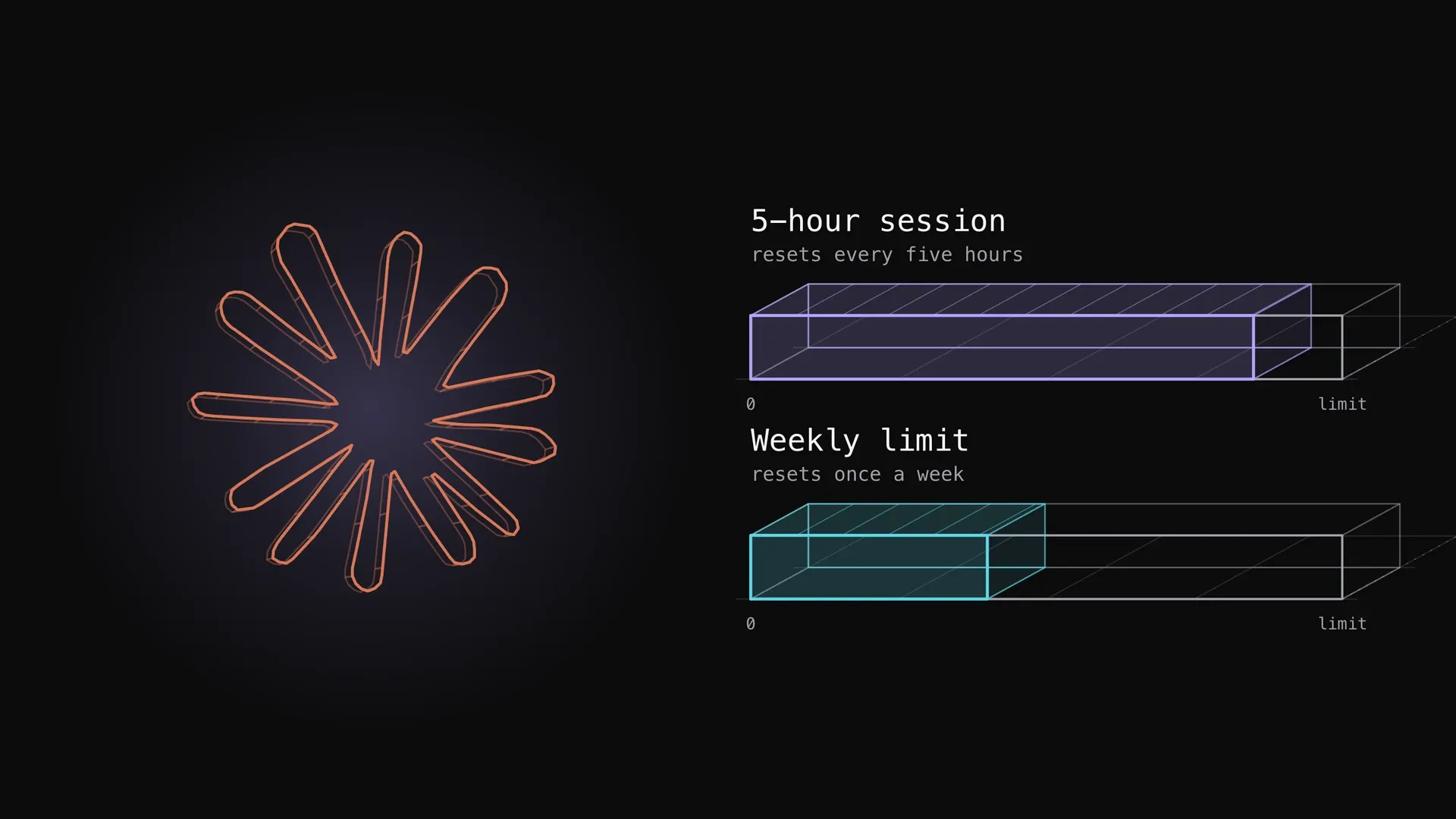
What the Claude Code five-hour and weekly limits are, how they show up, what spends them fastest (long context, large tool output, parallel agents, model choice, retries) and the documented ways to stretch them, with one measured plan week.
How to share one skills repo between Claude Code and Codex
One skills repo can serve Claude Code and Codex through links, not copies. Measured on a working 102-skill repo: scoping each skill to its projects cut the always-loaded listing from 22,617 characters to a median of 7,080, and routers keep the rest on demand.


Claude model training data: what the help article says
Anthropic's help article says commercial inputs are not used for training by default, but feedback can be. Here is what to check in Claude Code.