Claude Code usage limits: what burns your quota and how to stretch it
What the Claude Code five-hour and weekly limits are, how they show up, what spends them fastest (long context, large tool output, parallel agents, model choice, retries) and the documented ways to stretch them, with one measured plan week.
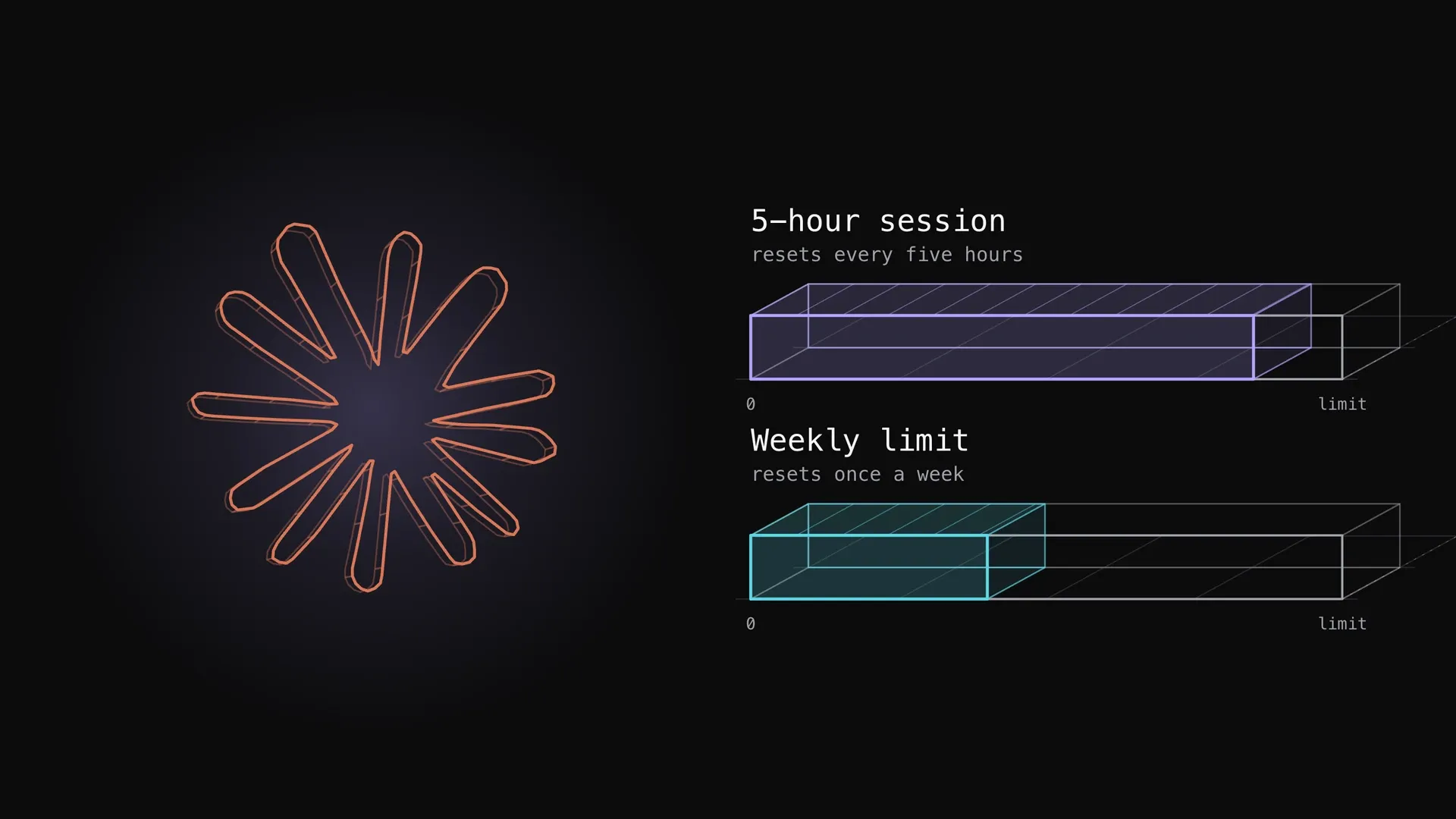
Claude Code on a Pro or Max plan has two limits that run at once: a five-hour session limit and a weekly limit, shared with claude.ai and Claude Desktop. What empties them fastest is not typing speed but context size, large tool output, parallel agents and the model, and each has a documented fix.
The rest is the reference in the order that pays off: what the two limits are and how they show up, what spends them, and the levers that stretch them. Anything Anthropic’s pages do not state is marked not stated. For spreading a weekly limit across seven days, see the pacing post.
1. Know what the two limits are
Pro and Max plans both have a five-hour session limit and a weekly limit. The session limit resets every five hours and the weekly limit once every week. Usage in claude.ai, Claude Code and Claude Desktop all counts toward the same limits, so a long chat in the browser spends what the terminal can use.
Three details change how a limit behaves:
- Both meters move together. Usage counts against the session and weekly allowances at the same time, so one burst of heavy activity can fill the weekly meter before the session meter resets.
- Switching models does not reset either. The session and weekly limits are shared across all models. The Opus and Sonnet limits apply only to that model family, so a model outside the family keeps working.
- Max has one more. Max plans also have a separate weekly limit for Fable. On Teams and Enterprise, each seat draws from an allowance on a rolling five-hour window and a weekly window.
2. Read the meters before they run out
The limit shows up in four places:
| Where | What it shows |
|---|---|
| A warning in the session | A message such as “You’ve used 85% of your session limit” with the reset time, before the window runs out |
| A block | “You’ve hit your session limit” or “weekly limit”, with the reset time. Claude Code stops sending requests until then |
/usage | Plan usage bars, activity stats and a breakdown by skills, subagents, plugins and MCP servers |
| A custom status line | rate_limits fields for the five-hour and seven-day windows: percent used and reset time |
The part to use first is the /usage breakdown. Behaviors such as long context or cache misses are flagged when one accounts for 10 percent or more of recent usage, each with a tip, so the next two sections can be checked against your own history instead of guessed.
3. Find what spends the limits fastest
Anthropic does not state how much of a limit any one behavior costs, so these are ordered by how the docs describe them, not by size. Each is a place to look first. Two come from carrying the conversation forward:
- Long context. Claude Code sends the full conversation with every request, and each tool use sends another request carrying the results. Even at the cached rate, a one-line question in a session open all day draws usage for the whole conversation.
- A cold cache. The first message after a break longer than the cache lifetime reprocesses the full context. The lifetime is one hour on a subscription and five minutes once usage credits are in use. Switching models does the same, because each model has its own cache.
The rest are about what gets added to that conversation, and who is reading it:
- Large tool output. Tools and connectors are token-intensive. Test runs, fetched documentation and log files all land in context, and everything that lands there is sent again on each later request.
- Parallel agents. Every subagent sends its own requests on top of the main conversation’s. Agent teams use approximately 7 times more tokens than a standard session when teammates run in plan mode, and an active teammate keeps consuming until it exits.
- Model and effort. The model and the effort level both change usage, and thinking cannot be turned off on Opus 5.5, Sonnet 5.5, Haiku 5.5 or the Fable models.
- Work that runs while idle. A scheduled task, a message from another session and a goal check-in each start a turn that sends the full context, even when nobody is typing. Goal check-ins stop at three per goal between prompts.
- Retries and wrong turns. A vague request triggers broad scanning, and a wrong direction is paid for twice.
Two real plan weeks show how these add up. In the first, nothing was paced and Opus 5.5 did nearly all the work; in the second, new Opus work was also paced, so the model change and the pacing cannot be separated. No runaway loop turned up in either.
| Measured | Week with no pacing | The next week |
|---|---|---|
| Weekly limit | Reached about 70 hours in | Lasted all seven days |
| Share of work by cost | Opus 5.5, 98.5 percent | Sonnet 5.5, 52.6 percent; Opus 5.5, 45.5 percent |
| Context compaction | 5.4 percent of the week | 17.8 percent of the week; whether it was avoidable was not measured |
| Avoidable spend | 7.1 percent of the week | 6.9 percent of the week |
Dollar figures behind the shares are API list-price equivalents from telemetry, not what the plan charged. The pacing half is in the pacing post.
4. Stretch the limits with the documented levers
Anthropic’s own levers
| Lever | Use | What the docs say |
|---|---|---|
| Clear between tasks | /clear; name the session first with /rename, return with /resume | Stale context is paid for on every later message |
| Compact on purpose | /compact with instructions on what to preserve | Compacting a large context is itself a large request, so do it before the context is huge, not after a long break |
| Match the model to the job | /model; a subagent can run on haiku | Sonnet handles most coding tasks and costs less than Opus, which suits complex architecture and multi-step reasoning. Pick it at the start, since a switch loses the cache |
| Lower the effort | /effort | Routine tasks need less; higher effort uses more tokens |
| Trim MCP servers | /mcp | Disable unused servers and prefer CLI tools such as gh |
| Plan first, rewind early | Plan mode, Escape, /rewind | Stops a wrong direction before it is paid for twice |
| Resume from a summary | The offer after a long break on Pro or Max | Later requests do not carry the full history |
Four more cut what arrives in context:
- Keep what loads every time short. Keep
CLAUDE.mdunder 200 lines and move workflow instructions into skills, which load only when invoked. - Filter output before it arrives. A hook that greps a 10,000-line log for errors can cut context from tens of thousands of tokens to hundreds.
- Delegate noisy work. Run tests and log reads in a subagent so only a summary returns. The subagent still draws on usage, so give it a smaller model.
- Ask for a checkable result. Specific prompts with a test or expected output let Claude check its own work.
What measured savings add up to
When a limit hits anyway
- Wait and continue. From Claude Code v2.1.234, an interactive session signed in with a claude.ai subscription waits at the limit and continues the task after the reset, on by default.
- Add usage credits.
/usage-creditskeeps work going past the plan limit, which also changes the cache lifetime to five minutes.
5. Repeat it
- Read
/usage. Look at the flagged behaviors and the subagent, plugin and MCP shares before changing anything. - Reset context at task boundaries.
/clearbetween unrelated tasks, and compact with instructions before the context is large. - Cut what loads every time. Disable unused MCP servers, shorten
CLAUDE.md, move workflows into skills. - Choose the model and effort per task. Sonnet and a lower effort for routine work, Opus for the hard parts.
- Count the agents. Keep subagent and team counts small, give them smaller models and shut them down when done.
- Plan before building. Use plan mode and rewind early so a wrong turn is not paid for twice.
Verdict
Both limits are shared across Claude, Claude Code and Claude Desktop, count at the same time, and are not restored by switching models. What spends them is mostly context carried forward, output pulled into it, agents multiplying it and the model reading it, and /usage shows which of those is yours. In the measured week, per-call savings reached 5.9 percent at best, so the decision to change first is what runs and on which model, then how each call is made.
Sources:Claude Help Center: How do usage and length limits work?, Claude Help Center: Using Claude Code with your Pro or Max plan, Claude Code docs: Manage costs effectively, Claude Code docs: Error reference, usage limits, Claude Code docs: Prompt caching, Claude Code docs: Status line, Claude Code docs: Wait for a usage limit to reset.
Responses
Keep reading
How to pace your Claude subscription to survive the week
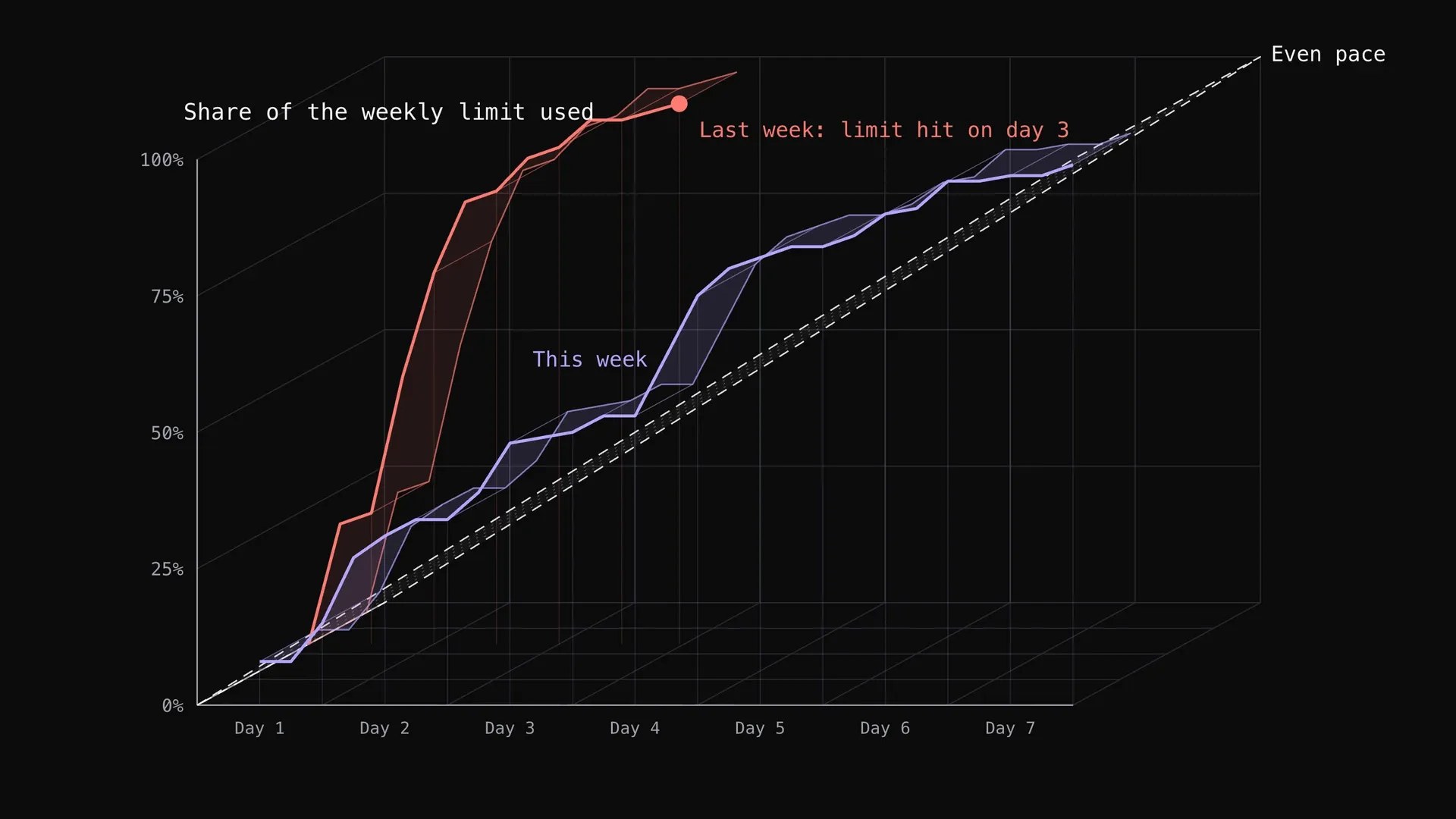
My Claude weekly limit ran out on day 3 one week and lasted all seven days the next. What changed: a simple wait rule for the strongest model, and the cheaper model doing more of the work, with the real usage charts.
How to optimize your website for SEO with Claude
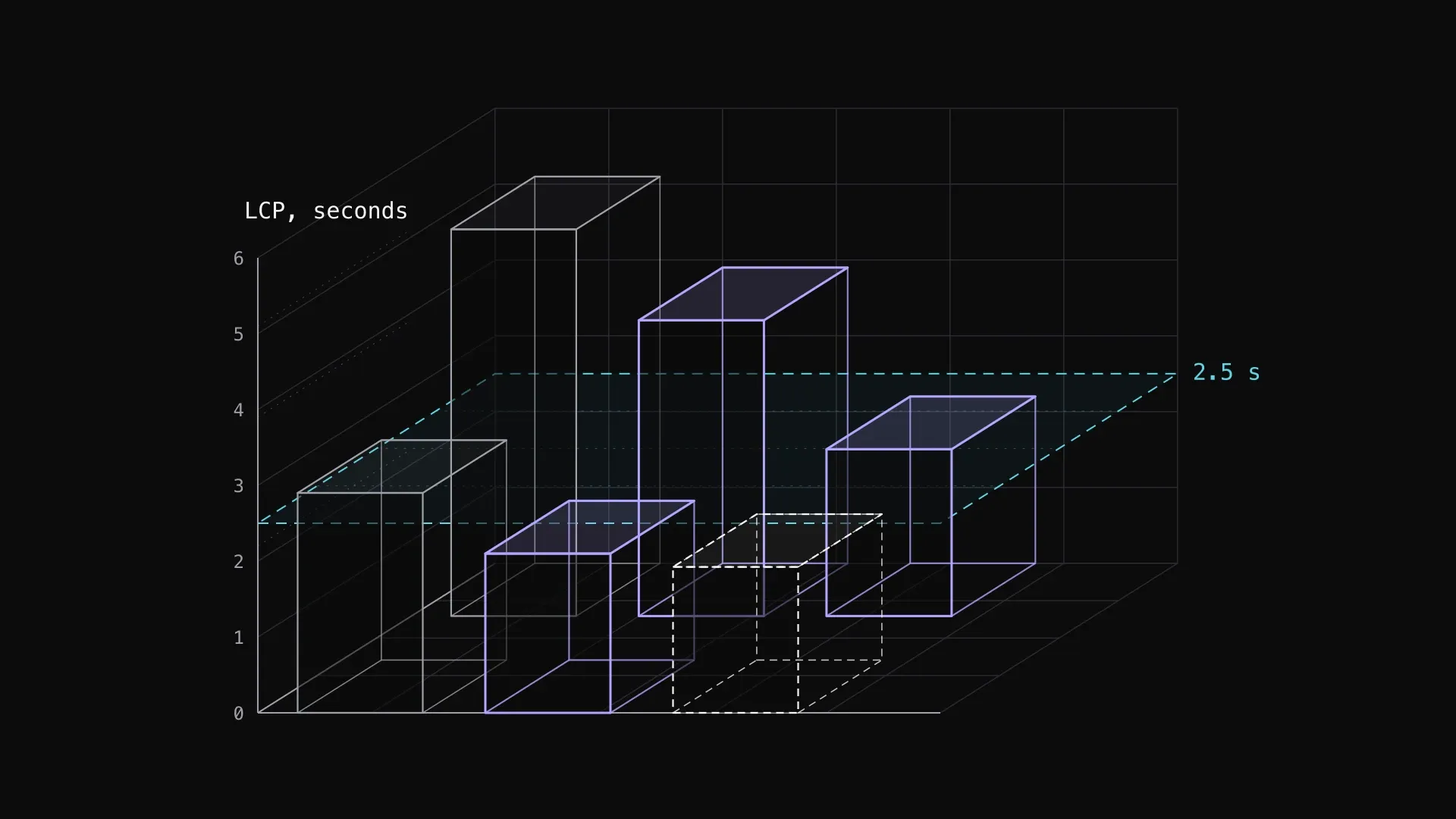
A measure-first SEO pass on two live sites: field data against Lighthouse, an HTML audit, and the fixes that cut LCP and fixed canonicals. Then what else to check on your own site.

Creating my logo with Opus 5.5
Eighteen versions of the 3h mark, made with Opus 5.5. The first twelve were drawn by eye against a reference. The last six were built from a grid and scored against a traced outline of it. The final mark is v17.