Aniimo No Internet or Disconnect: Season 1 Part 2 Fix
Aniimo no internet or disconnect after Season 1 Part 2, with your connection fine? The client is out of date. Update it through the launcher in four steps.
Aniimo no internet or disconnect errors after the Season 1 Part 2 update, with a connection that is fine, mean the game client is out of date. Close the game, open the Aniimo launcher instead of the game file, and let it update before you press Start.
This fix follows one test: Aniimo running through GameHub on a Mac, on client 1.0.0.281 while the Season 1 Part 2 servers ran client 1.0.0.334. Ping and web pages worked on the same machine the whole time.
Why the game says no internet
Starting the game file directly skips the version check the launcher runs. The old client still reaches the server, then its session falls out of sync and the game shows no internet or a disconnect.
| Symptom | What is happening | Fix |
|---|---|---|
| The game opens, then hangs | Client 1.0.0.281 against the 1.0.0.334 servers | Update through the launcher |
| No internet or a disconnect, other apps online | The session falls out of sync after the game connects | Update through the launcher |
| The launcher is missing or will not start | The install is incomplete | Download the installer again |
| The patch stops moving | The download stalled | Close and reopen the launcher |
1. Update through the launcher
- Close the game fully. Quit Aniimo and its crash handler, UnityCrashHandler64, so nothing is left running.
- Open the launcher, not the game. Use the Aniimo launcher shortcut, or Launcher.exe in the Aniimo install folder. Skip Aniimo.exe and any store or GameHub Play button that starts it directly.
- Let the launcher update itself. It moves from
1.0.0.281to1.0.0.334, then its main button turns to Update. Click Update and let the game patch download, which is a few GB. - Press Start. Click Start once the button changes.
The shortcut depends on how you installed the game, but Launcher.exe sits in the install folder either way. A slow download is not a stall: the game patch is a few GB, so it can take a while on a slow connection.
2. Reinstall if the launcher is missing
On the Aniimo site, click Download Now and run the installer, aniimo-global.exe, over your existing install folder. Use the official site only, never a third-party mirror.
3. Restart a stalled patch
If the progress bar stops for about a minute, close the launcher and open it again. It resumes from the files already on disk.
Mac with GameHub
GameHub’s Play button runs the game file directly, so it skips the launcher’s version check.
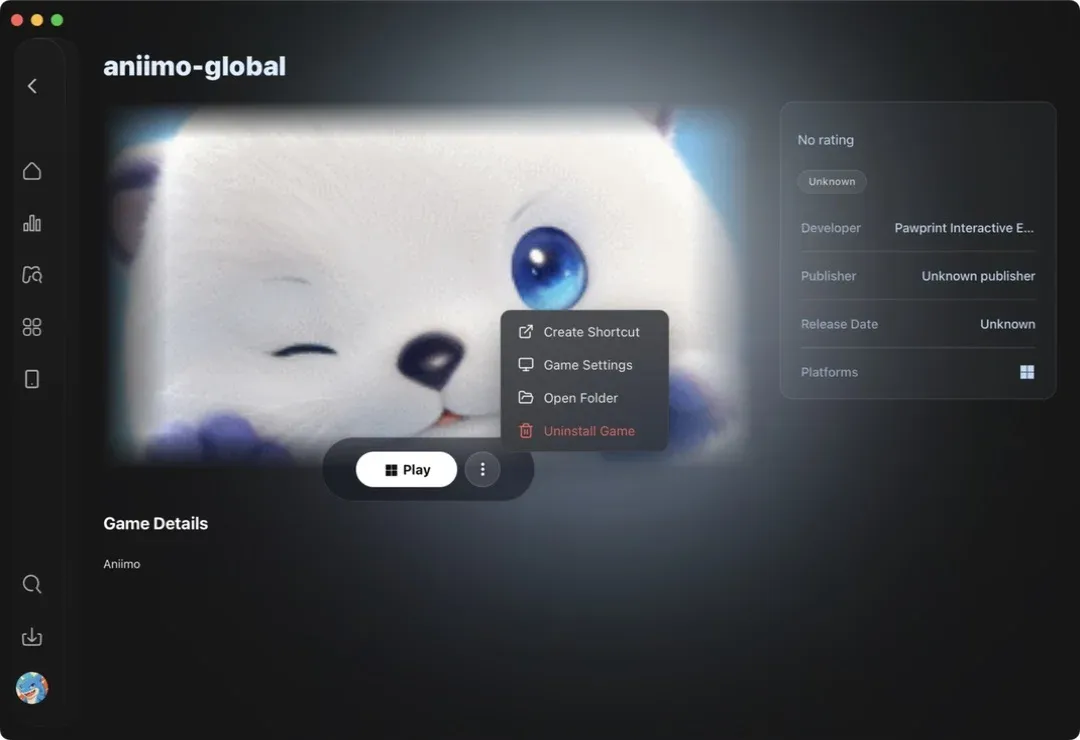
GameHub has no button that opens the launcher, so on a Mac the route runs Launcher.exe in the same GameHub container as the game, by command rather than from a menu. Until the client matches the server, use the launcher’s Start, not Play. Our GameHub guide covers the setup.
Verdict
The no internet message came from a 1.0.0.281 client meeting the Season 1 Part 2 servers, and the launcher is what brings it to 1.0.0.334. Open the launcher, press Update, then Start. Once you are back in, the codes, tier list and map cover the base game. The Season 1 Part 2 patch notes list what else changed, and the system requirements list what the game needs.
Get the current build: download Aniimo at aniimo.com
Sources:Aniimo official site: Download Now, Aniimo official: Season 1 Part 2 update notice.
Responses
Keep reading
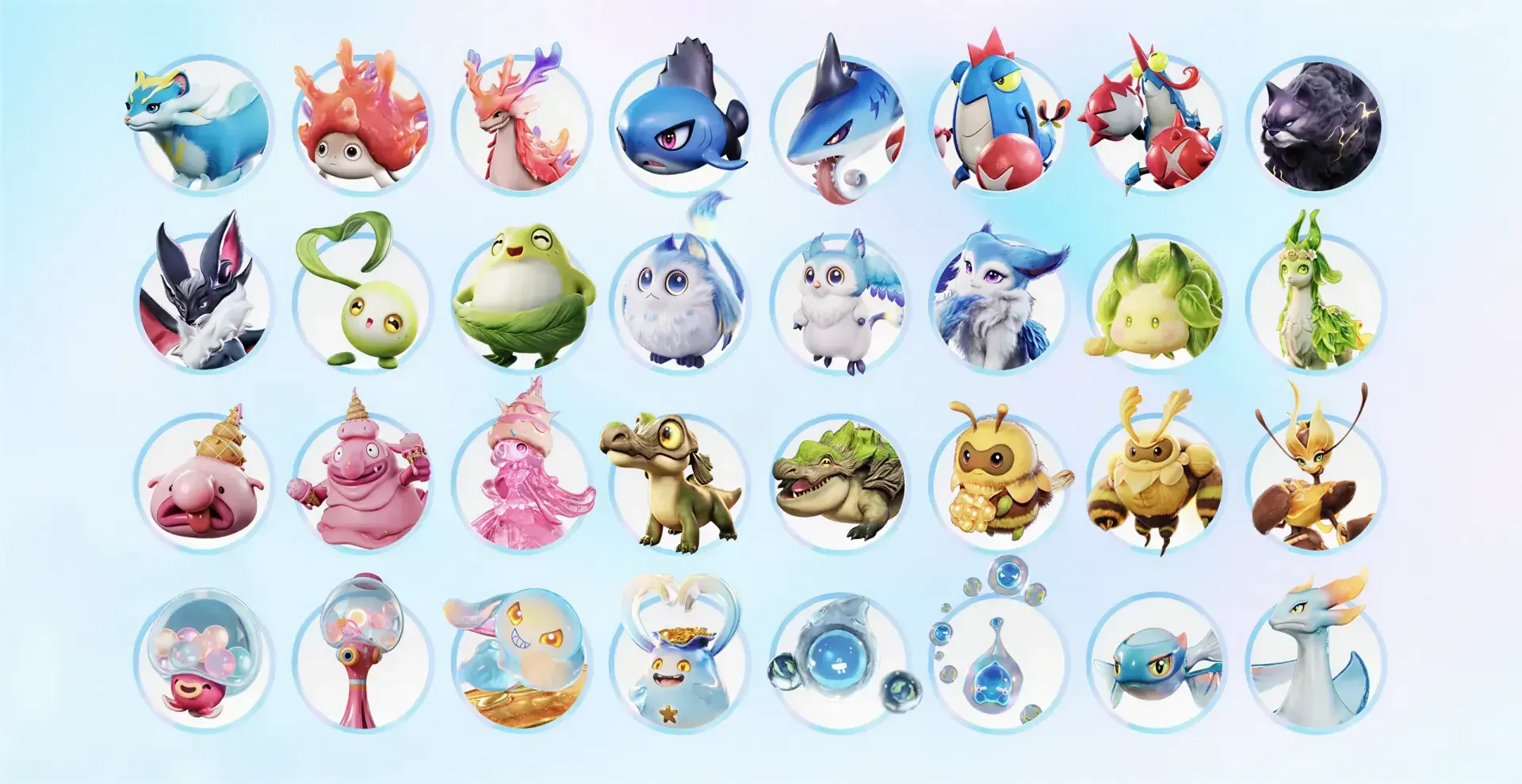

All New Aniimo Season 1 Part 2 (Full List of 51)
All 51 new Aniimo in Season 1 Part 2: the 32 species and 10 Prismana forms, how to get each Prismana and where the families live.
Aniimo Egg Heist PvP Mode Explained
Aniimo Egg Heist is a three-team PvP mode in testing: who can enter, how a team wins, what you can bring in and every reward the official notice lists.


Aniimo Level Cap 70: How the Cap Rises in Season 1 Part 2
The Aniimo level cap rises to 70 in two Trailblazer stages: Aniimo to 65 first, then character and Aniimo to 70. See what each stage opens and changes.